Surroundings & light
Your development with its neighbourhood, lit by the sun for its location and orientation. One model gives buyers the interactive tour and you 4K stills and a flythrough.
- 6
- demo neighbourhoods: Dubai, Miami, Pattaya, Batumi, New York, Abu Dhabi
- Any date
- sun and shadows for the site’s location and orientation
- Per room
- hours of direct sun, in every unit’s tour
- 4K
- stills and a flythrough from the same model
In short
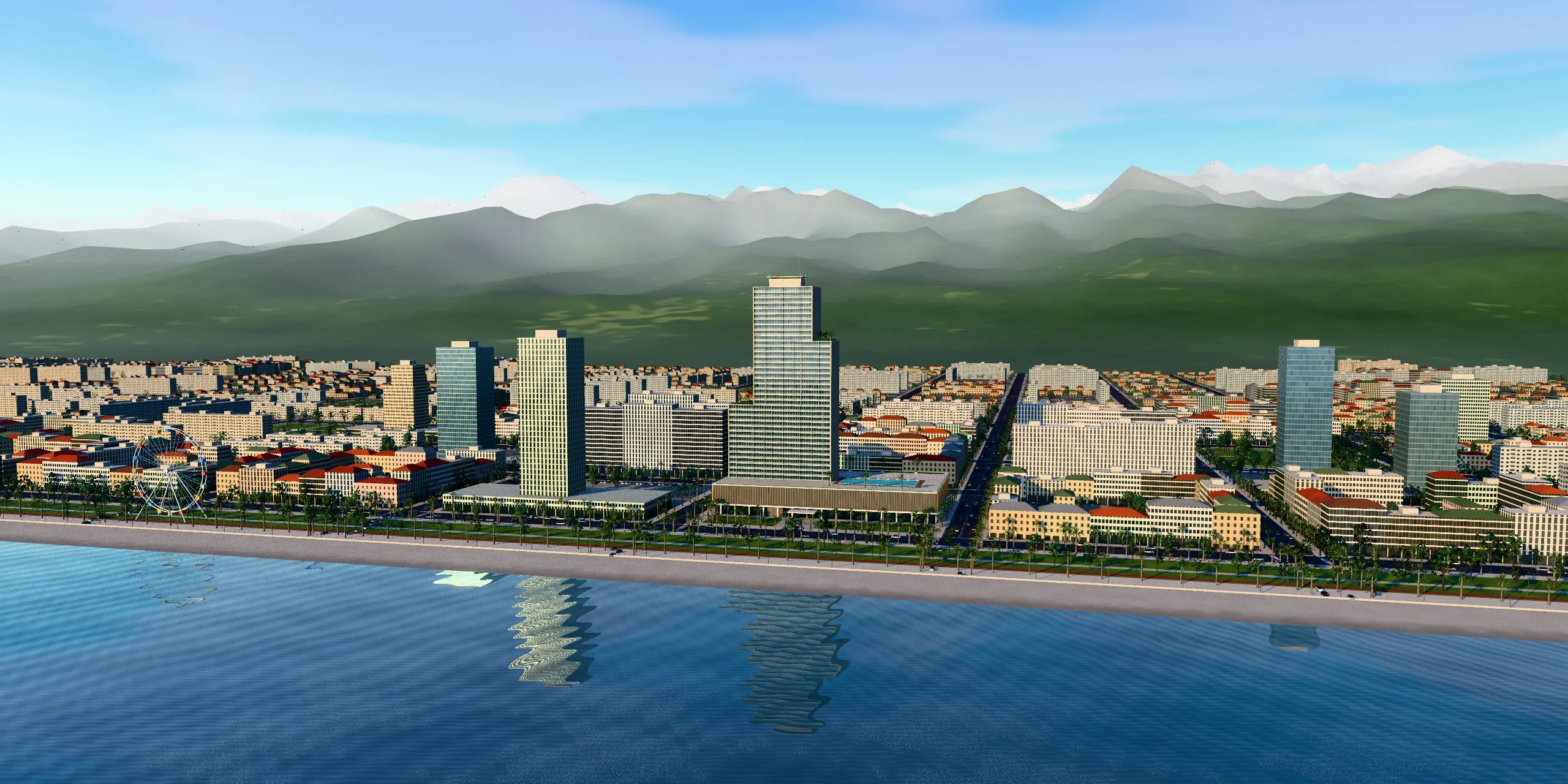
A 3D tour with surroundings shows your building where it will stand: neighbouring buildings, streets, the waterfront or the park, and the trees around it, so buyers judge the view and the walk to the entrance before anything is built. InsideWalk models the neighbourhood from the map and your drawings, lights it with the real sun for the site’s location and orientation, and renders 4K stills and a flythrough from the same model.
In each unit’s tour a time slider and a date picker move the sun and show the hours of direct sun of every room. The neighbourhood is an illustration, not a survey.
The neighbourhood
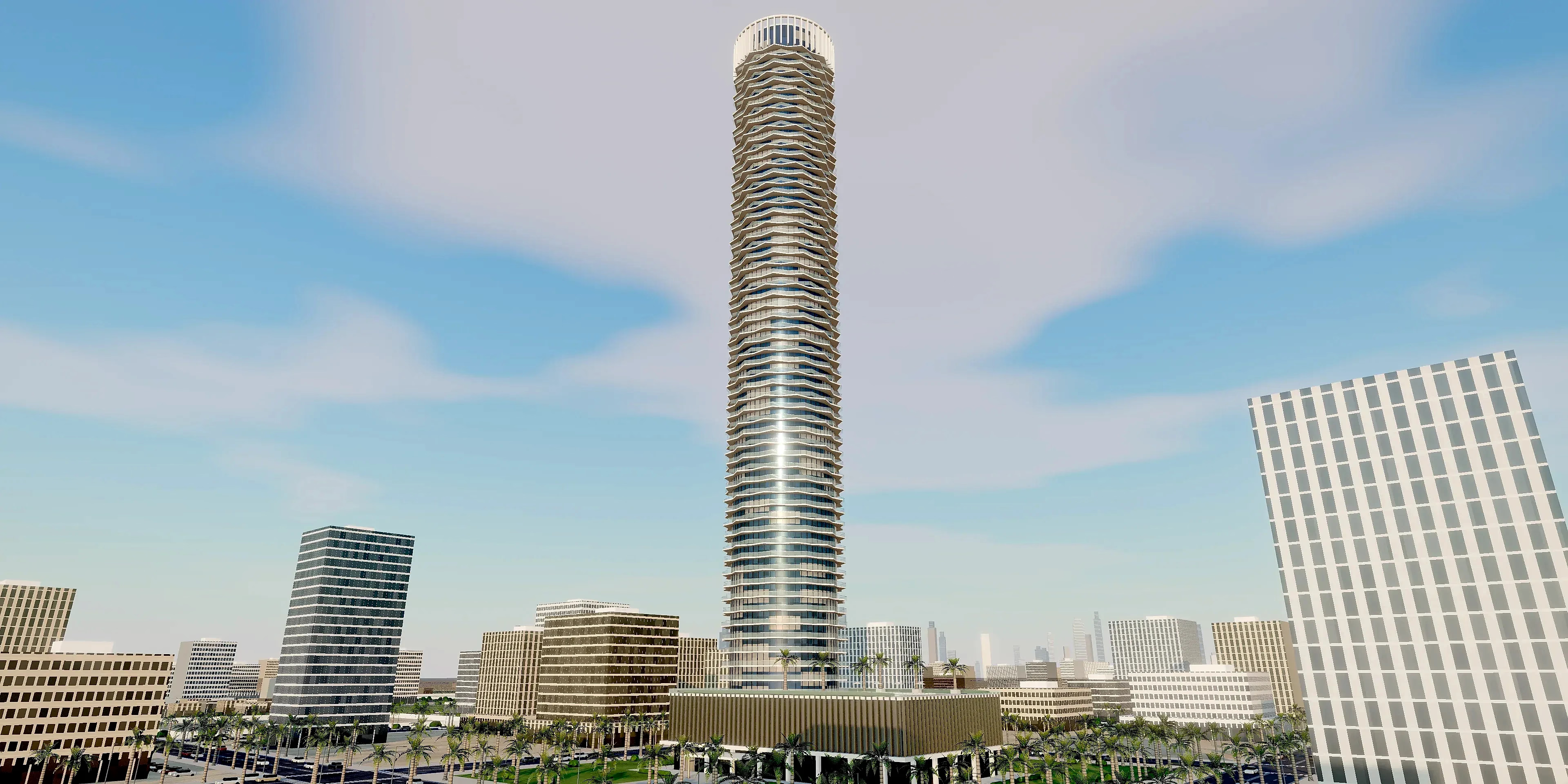
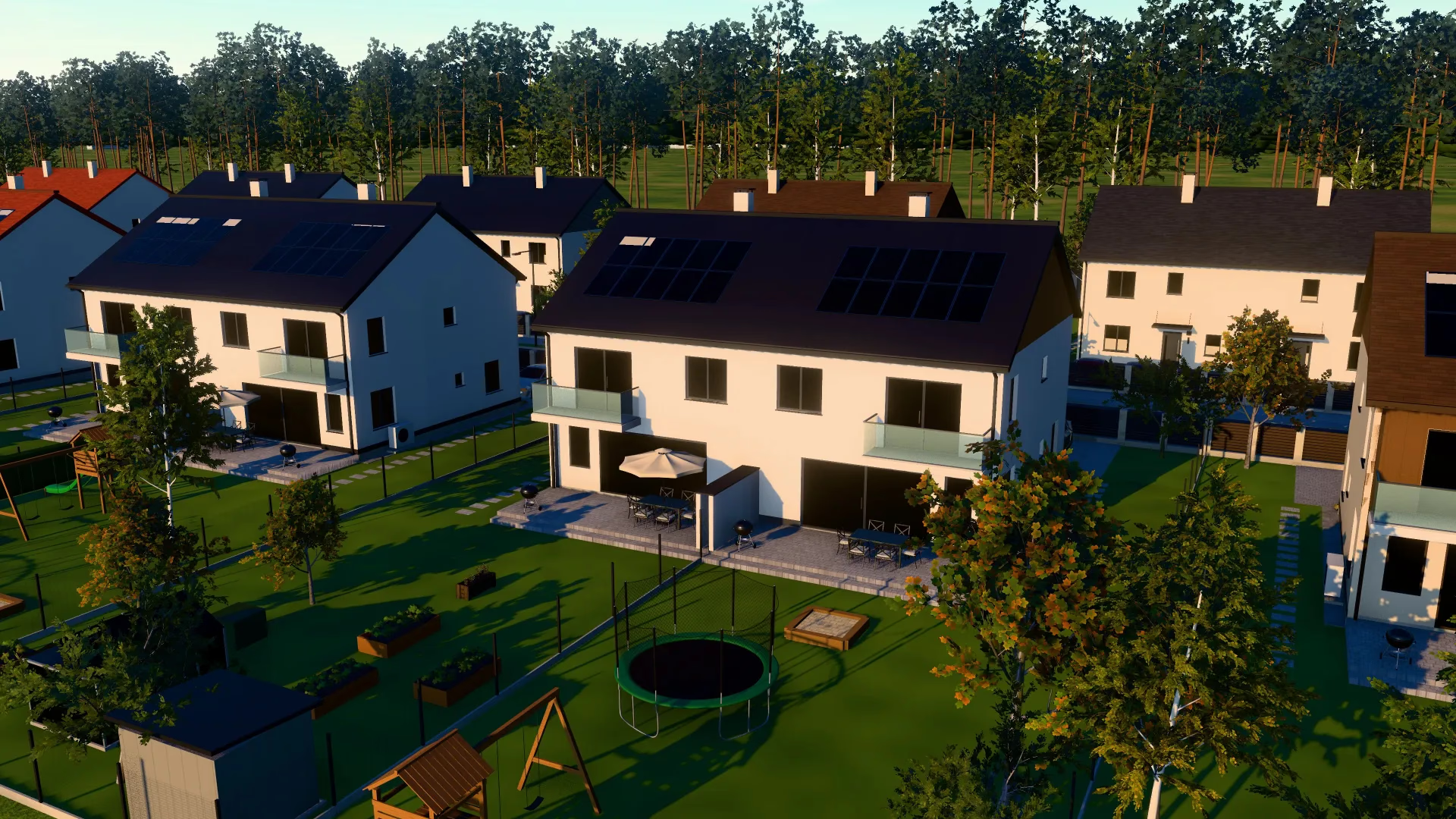
Each building is modelled in its context: neighbouring towers, streets, the waterfront or the park, trees and planting, so the view from the balcony and the walk to the entrance make sense. We build the surroundings of your site from the map and your drawings. Open any of these in the live tour.
 Open the tour ↗ (opens in a new tab)
Dubai
A tower in a grid of streets and parks
 Open the tour ↗ (opens in a new tab)
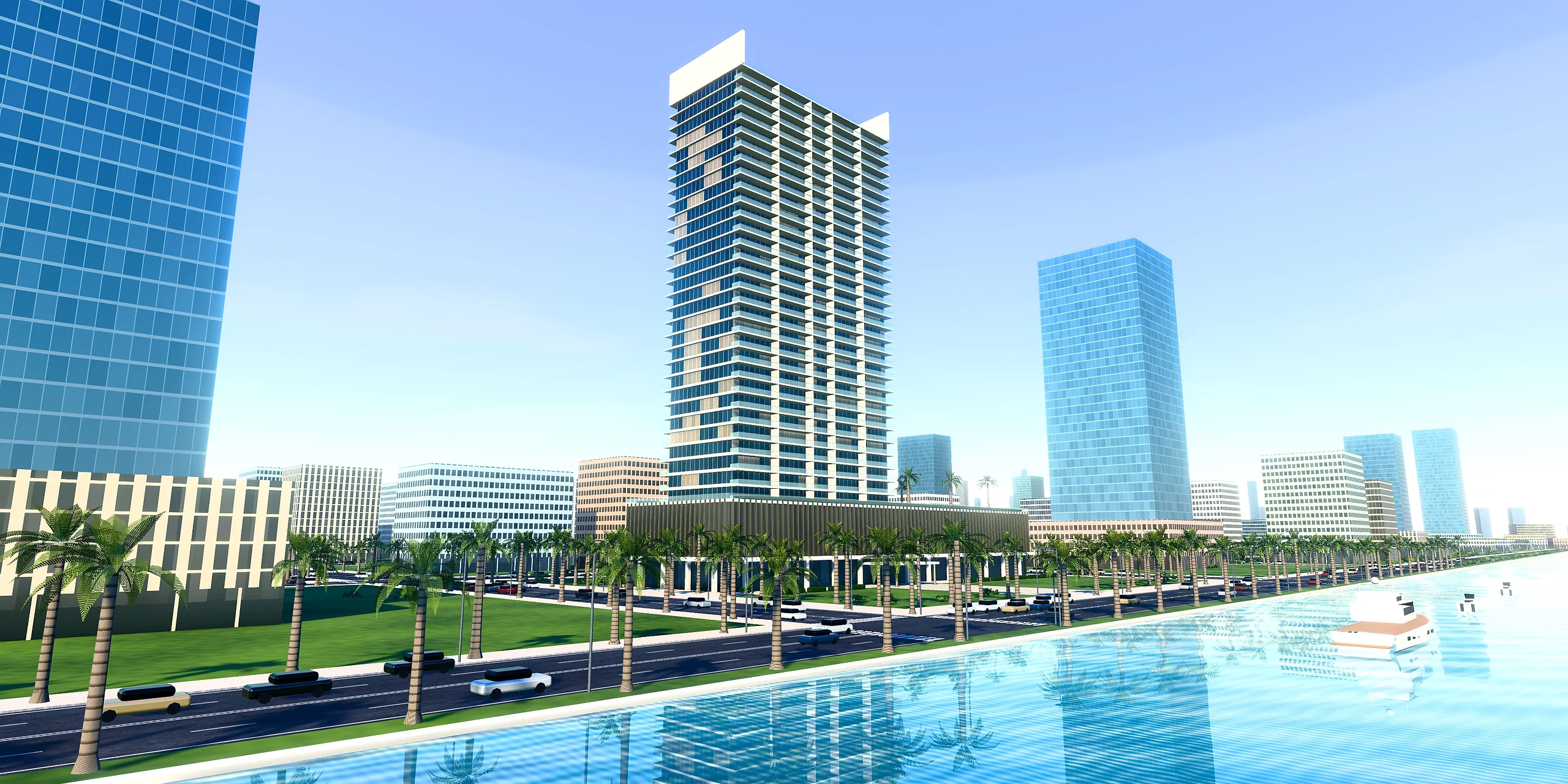
Miami
A glass condo tower on the bay
 Open the tour ↗ (opens in a new tab)
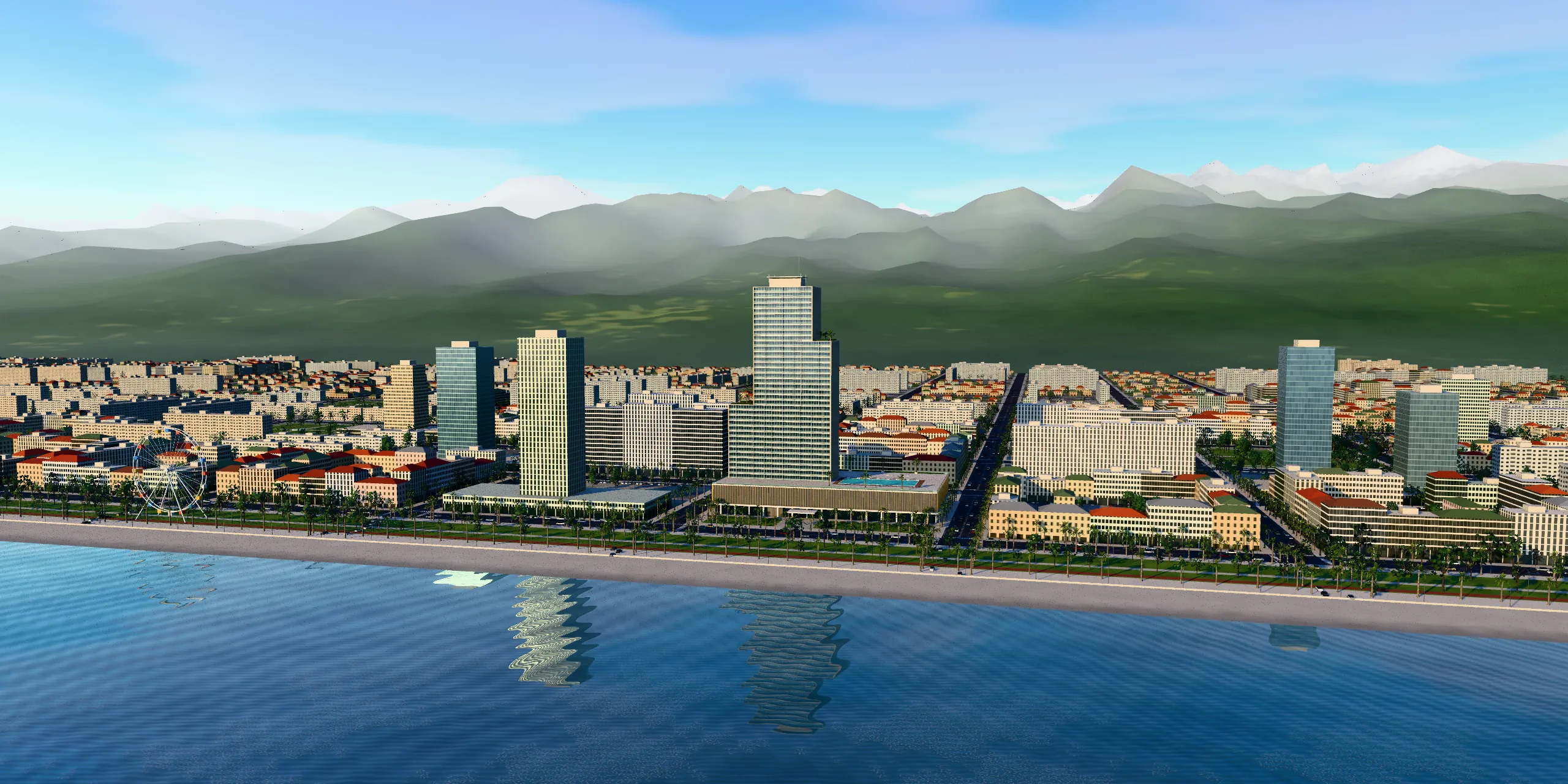
Batumi
Stepped slabs on the Black Sea front
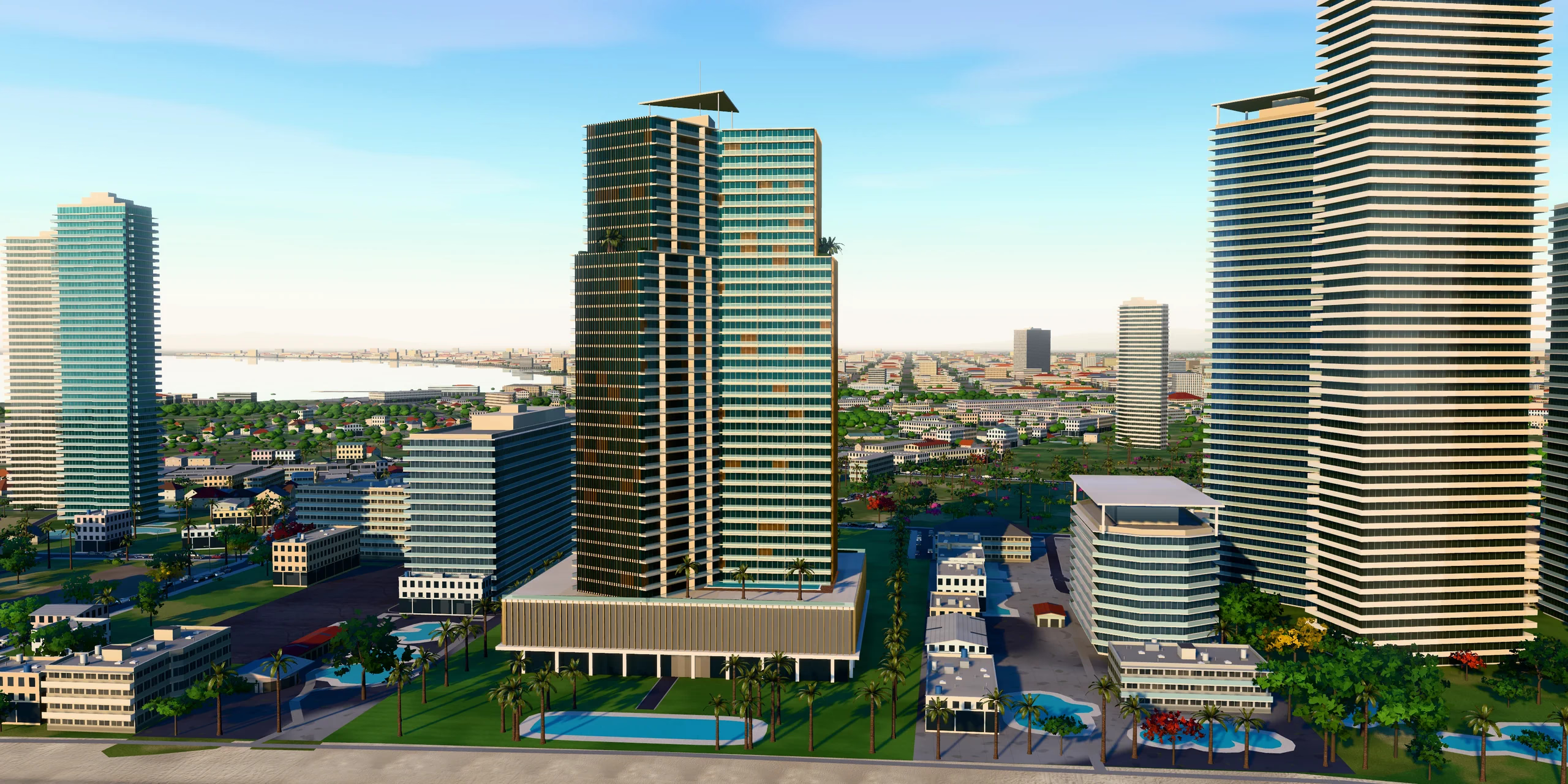 Open the tour ↗ (opens in a new tab)
Pattaya
A beachfront tower on the shore
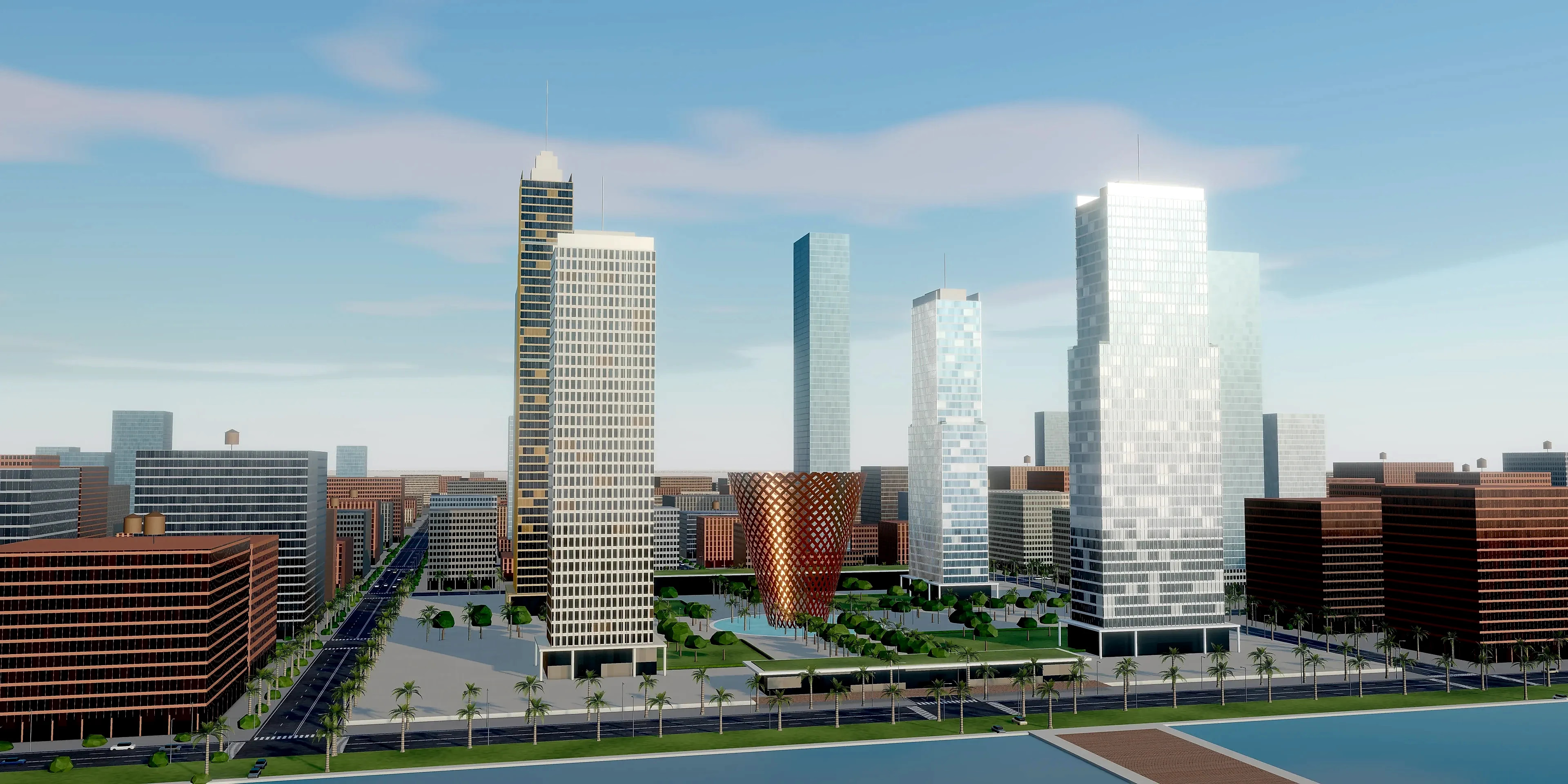 Open the tour ↗ (opens in a new tab)
New York
A riverside complex among towers
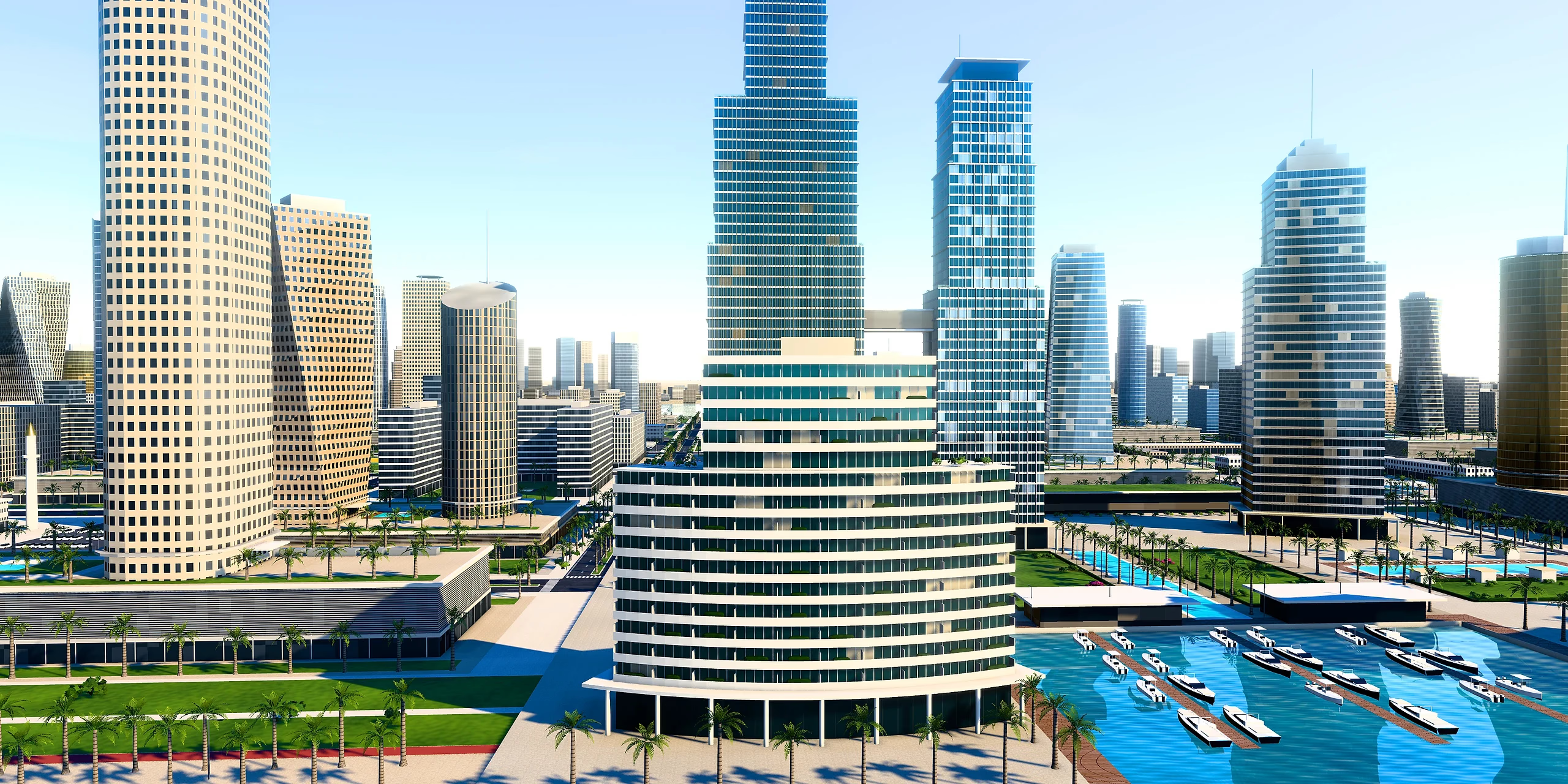 Open the tour ↗ (opens in a new tab)
Abu Dhabi
A waterfront complex with a marina
Real sun
The building’s location and orientation set where the sun is. In a unit’s tour, drag the time and pick a date: the light and the shadows move with it, and every room lists its hours of direct sun. A buyer sees the afternoon on their balcony before the foundations are poured.
- Time slider and date picker in each unit’s tour
- Hours of direct sun for every room, on the chosen date
- The building’s own orientation and location
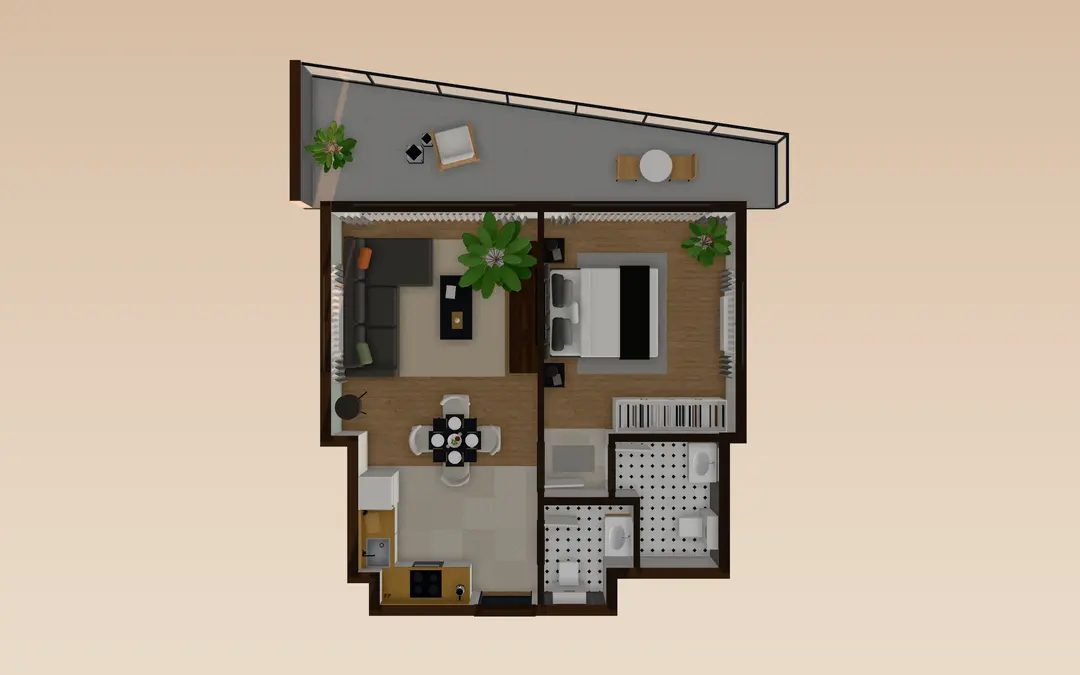
07:00Early, low light
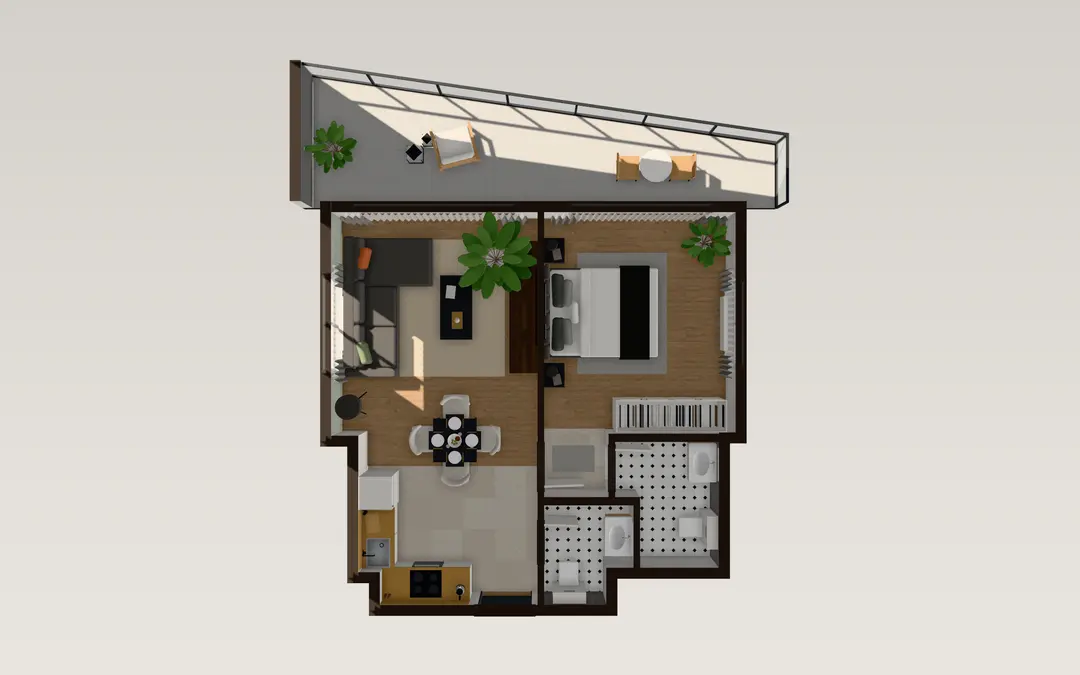
13:30Sun across the balcony
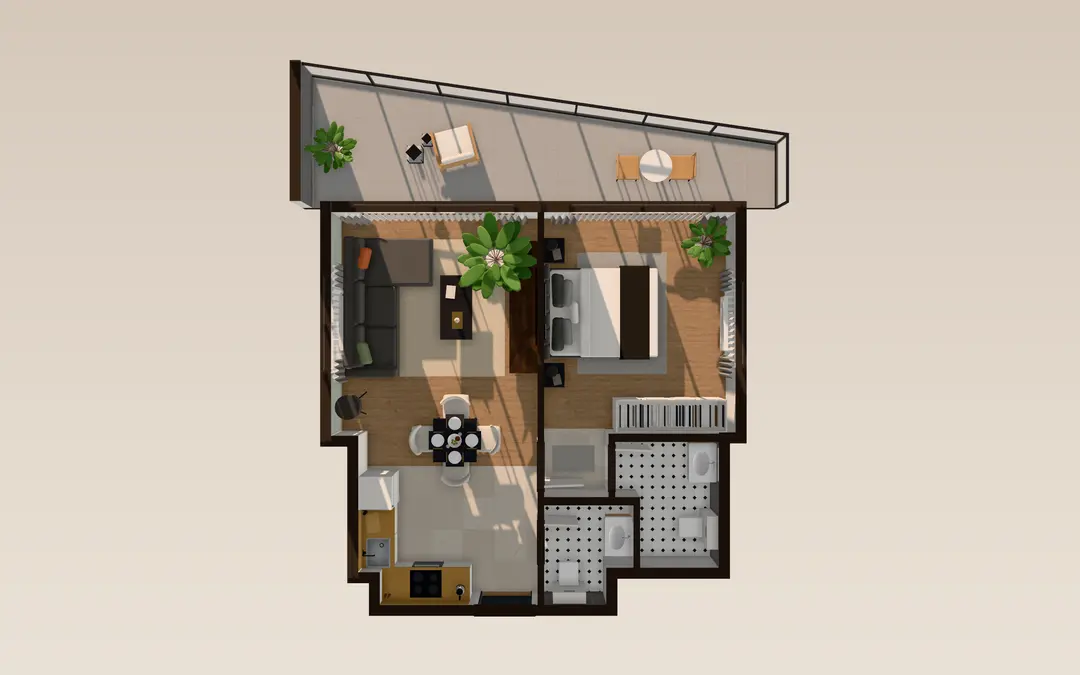
16:30Long shadows into the rooms
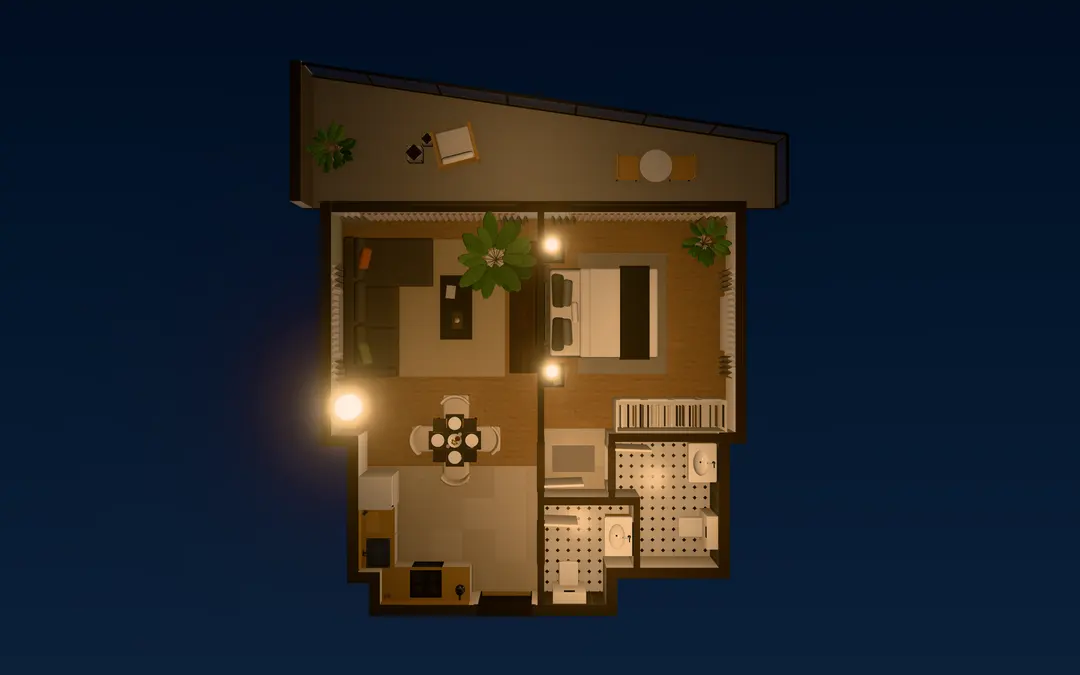
20:00Night, lamps on
Day and after dark
For ads, brochures and the website we render the building and its units by day and at dusk or night, with the windows lit, from the same model as the tour. They are stills and flythrough footage: the time slider belongs to the unit tour, and the whole-building view is shown by day.
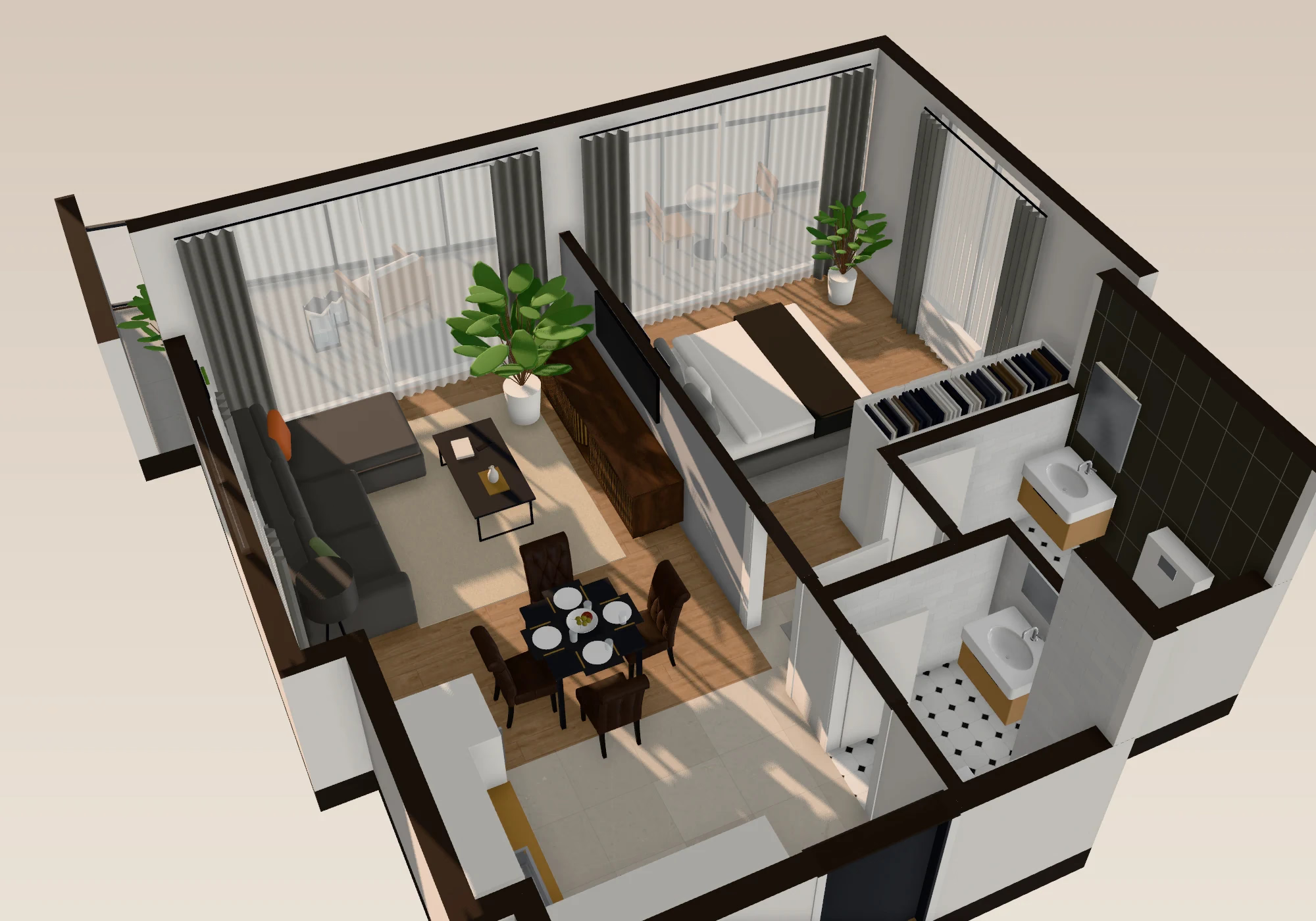 Noon
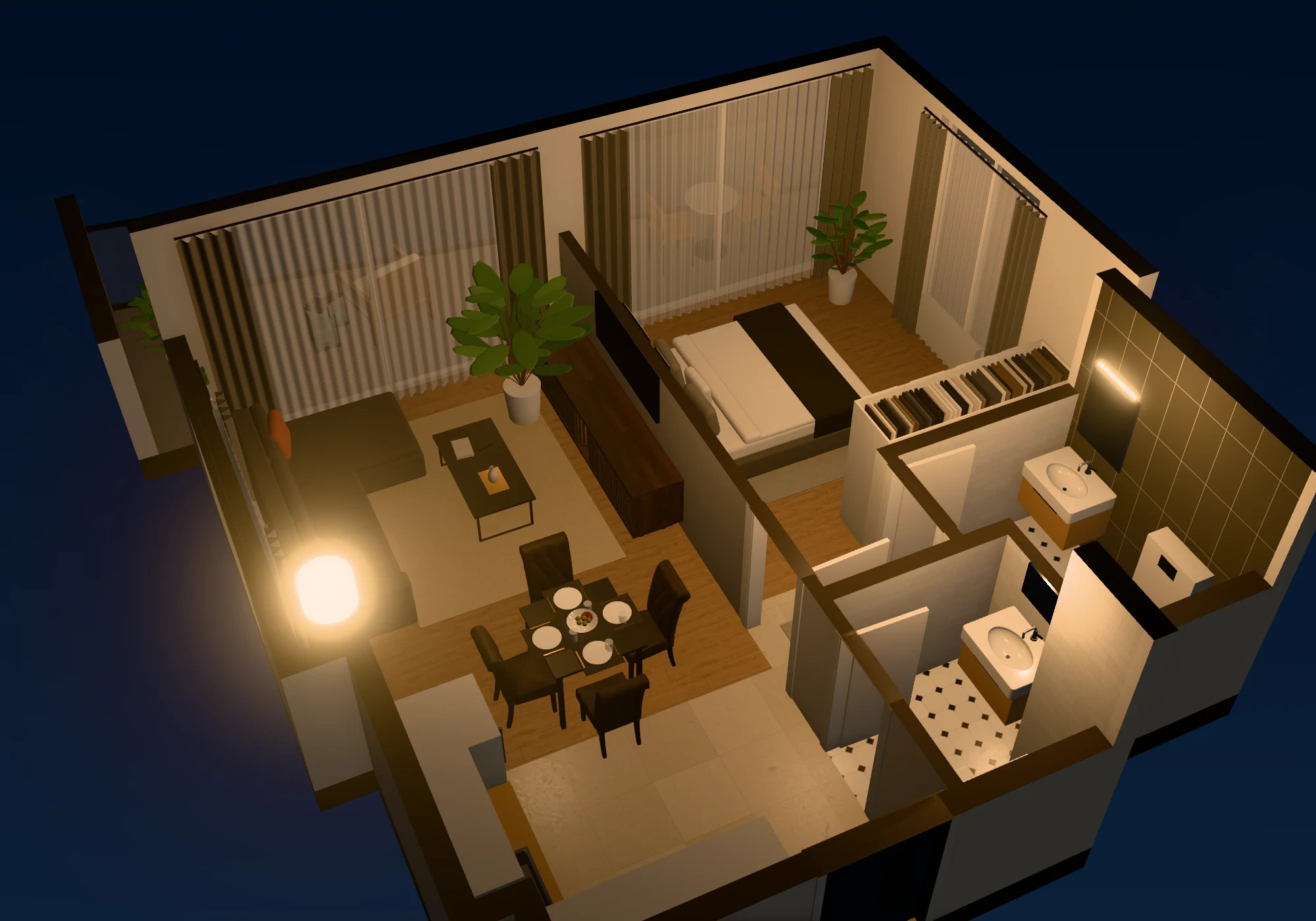 After dark
For brochures and ads
The scene that runs in the browser is also rendered at 4K or higher: stills for the website, the brochure and the hoarding, and a smooth camera flight over the development. More on what a flythrough is and costs in our guide to architectural animation.
Where it stops
What it shows
- Neighbouring buildings, streets, water, parks and trees around your building
- Sun and shadows for the site’s location and orientation, on any date
- In a unit’s tour: a time slider, a date picker and the hours of sun per room
- 4K stills and a flythrough, by day and at dusk or night
What it does not
- It is not a survey: the surroundings are an illustration of the area, as in any brochure
- The whole-building view has no time slider: dusk and night come as stills and footage
- Surroundings are modelled lighter than your building, so the tour loads fast on a phone
- It does not replace the sunlight study of a unit: that is where the hours of sun are read
Questions
Is the neighbourhood the real one?
It is built to look like the real place, with real streets, water and building heights where we have them. It is an illustration of the area, as in any brochure, not a survey.
Can we show the sea, river or park view?
Yes. Waterfronts, parks and neighbouring towers are part of the scene, and the view from a balcony shows them.
Can buyers see the light at different hours?
Yes, in a unit’s tour: a time slider and a date picker move the sun, and the hours of direct sun of each room are shown. The building view is shown by day; dusk and night come as renders and in the flythrough.
Is there a night mode in the building view?
No. The time slider is in a unit’s tour, not in the view of the whole building. Night and dusk are delivered as 4K stills and flythrough footage.
Do we get image files too?
Yes: 4K stills and a flythrough video from the same model, for your website, social media and print.
What do you need from us to build the surroundings?
The site’s address and your drawings. We build the neighbourhood from the map and your drawings.
Keep exploring
- Sunlight studyWhere the sun falls in every unit, on any date, and a free checker for any window.
- Virtual tours for new buildsEye-level tours of apartments that don’t exist yet.
- Embed on your websiteA unit, a building or the whole project, with a snippet or an iframe.
- Architectural animation for new buildsA 4K flythrough and walkthrough from the 3D model: what it costs and how it is made.
Free sample unit
Free and without commitment: one of your units, furnished and priced, on a private link.
Or email the plan to hello@insidewalk.app